A Free GrokBot Alternative in 2026 That Runs on Your Own Virtual PC
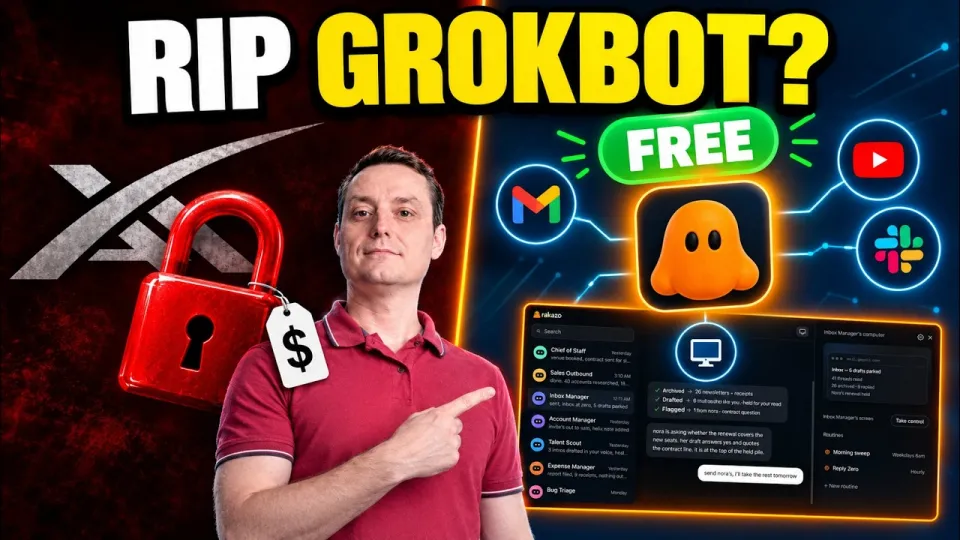
Video: Finally, a Free GrokBot Alternative That Actually Works
· based on the channel WEBdoze
Key takeaways
- Rakazo is an open-source AI workspace that can be self-hosted or used through a cloud interface.
- Each custom agent can get its own virtual PC and connect to more than 1,500 tools through Composio, including Gmail, Slack and YouTube.
- The platform runs on 100% free LLMs from OpenRouter and OpenCode Zen, so no paid model subscription is required.
- Agents can be organized into channels and a multi-agent ecosystem instead of a single chat window.
- Setup requires configuring your own API keys and usage limits inside the workspace.
Rakazo is the free, open-source GrokBot alternative worth testing in 2026: it is an AI workspace where you build custom agents, give each one its own virtual PC, and connect them to more than 1,500 tools such as Gmail, Slack and YouTube through Composio, running on free LLMs from OpenRouter and OpenCode Zen. You can self-host it on your own infrastructure or start with the cloud interface. A wider roundup of comparable projects is collected in this open-source GrokBot alternatives guide.
What makes Rakazo a real GrokBot alternative
Rakazo is not a chatbot with a nicer skin; it is an agent platform built around execution. GrokBot-style tools are popular because they let an AI act on your behalf rather than just answer questions, and Rakazo pushes the same idea further in three ways: agents get a virtual PC, agents get tool access through a large integration library, and the whole stack can run on hardware you control.
The virtual PC is the key difference. Instead of being limited to a text reply, an agent can operate a desktop-like environment, which is what makes multi-step tasks such as collecting data, opening services and assembling a result possible. Combined with Composio's connector catalog, that turns the workspace into something closer to a small automation team than a single assistant.
How the virtual PC, channels and multi-agent setup work
A virtual PC gives each agent a persistent working environment, and channels organize agents into separate contexts. In practice, the architecture has three layers:
- The agent — a configured assistant with its own instructions, model and permissions.
- The virtual PC — the sandbox where the agent performs actions instead of only producing text.
- Channels and the multi-agent ecosystem — separate spaces where different agents work side by side, so a research agent and an operations agent do not collide.
This structure is what separates a multi-agent ecosystem from a single chat window. If you have ever wanted one assistant for inbox triage and another for analytics, channels are how you keep them apart without duplicating configuration.
Self-hosting versus the cloud interface
The project ships as a GitHub repository, so you can clone it and run the whole stack on your own server, or skip the infrastructure work and use the hosted cloud interface. Self-hosting is the option to pick when data residency, cost control or customization matter; the cloud route is faster when you want to evaluate the platform before committing hardware.
For self-hosters, the practical checklist is short: a machine that can run the application stack, outbound network access for the model and tool APIs, and your own API keys. Because the platform is open source, you are not locked into a vendor's roadmap, and you can inspect what the agents actually do.
Connecting free LLMs from OpenRouter and OpenCode Zen
Rakazo does not force a paid model subscription. The workspace is designed to work with free LLMs served through OpenRouter and OpenCode Zen, which means the model layer can cost nothing while you test agents and tool connections. You bring your own API keys, paste them into the configuration, and the agents use those credentials.
Two practical notes apply here. First, free model tiers usually come with rate limits, so set request and usage caps in the workspace before you hand an agent a long task. Second, model quality varies a lot across free endpoints; a tool-calling-heavy workflow such as Gmail or Slack automation benefits from a model with reliable function calling, while simpler retrieval tasks can run on lighter models.
Building an agent and linking 1,500+ tools
The build flow is the part most people care about, and it follows a predictable sequence:
- Create a new agent and give it a name and instructions.
- Choose the model endpoint and supply the API key.
- Open the Composio integration catalog and connect the services you need — Gmail, Slack, YouTube and the rest of the 1,500+ connectors.
- Authorize each service with your own account credentials.
- Set limits and permissions, then run a test task.
A live test in the source walkthrough has the agent pull YouTube analytics, which is a good example of a task that needs both a connected service and a working environment rather than a plain chat reply. The same pattern applies to inbox summaries, Slack digests or cross-service reporting.
Typical questions and doubts from viewers
The most common reaction to a tool like this is skepticism about whether a free stack actually works, and the honest answer is that it depends on the model and the task. Free LLMs are capable but inconsistent at multi-step tool use, so expect to iterate on instructions and pick stronger endpoints for complex automations.
The second recurring doubt is setup effort. Self-hosting is more work than signing up for a hosted product, but the cloud interface removes that barrier for evaluation. The third is cost: the software and the model tier can both be free, while the real costs are the server you self-host on and any paid API limits you choose to exceed.
Links from the video
Conclusion
Rakazo covers the three things people look for in a GrokBot replacement: agents that can actually act through a virtual PC, a large integration library via Composio, and a free path through open-source self-hosting or the cloud interface with OpenRouter and OpenCode Zen models. Start with one agent and one connected service, verify the output, then expand into channels and multiple agents. The WEBdoze breakdown walks through the setup end to end if you prefer to follow along visually, and the open-source GrokBot alternatives roundup is the place to compare Rakazo against other projects before you commit.
Source: Finally, a Free GrokBot Alternative That Actually Works · Markdown version
Questions & answers
Is Rakazo really free to use?
The software is open source and can be self-hosted at no license cost, and it is designed to run on free LLM tiers from OpenRouter and OpenCode Zen. Your real costs are the server you host it on and any paid API usage beyond free limits.
Do I need coding skills to set up a GrokBot alternative like this?
Using the cloud interface requires no coding, just account setup and API keys. Self-hosting from the GitHub repository assumes basic comfort with servers, environment configuration and running an application stack.
What can an agent with a virtual PC actually do?
It can perform multi-step tasks in a working environment rather than only returning text, for example pulling YouTube analytics or working across connected services. The virtual PC is what allows actions, while Composio connectors supply access to Gmail, Slack, YouTube and 1,500+ other tools.
Why do free LLMs sometimes behave worse in agents?
Free model endpoints often have rate limits and uneven function-calling quality, which matters when an agent must chain several tool calls. Setting usage caps and choosing a stronger model for tool-heavy workflows usually resolves most reliability problems.